


Our Scope: Navigation, UI, Terminology

What do we actually do here? Think of us as your “GPS” for the platform. We provide step-by-step guides on where to click, a glossary for weird terms, and safety tips. What we don’t do:
We don’t handle transaction disputes or bonus credits. If you’re stuck with a technical account problem, you’ve gotta head to the actual support inside BC.Game. We just show you how to find that support button!
We can’t help with KYC or account blocks.
Editorial Principles
We keep it real. Our principles are simple: if we can’t see it in the UI or find it in the official sections, we don’t write it. You won’t find any “guaranteed winning secrets” or “crazy strategies” here because, honestly, those are usually scams. We keep it neutral and focus on facts.
How We Confirm Updates
The internet moves fast, and bcgame changes its layout quite a bit. To keep up, we do regular “walkthroughs” of the login, registration, and wallet areas. We check the dates and versions to make sure our guides match what you see on your screen. If we aren’t 100% sure about a new feature, we’ll say something like “this might not be available for everyone” rather than making a wild guess.
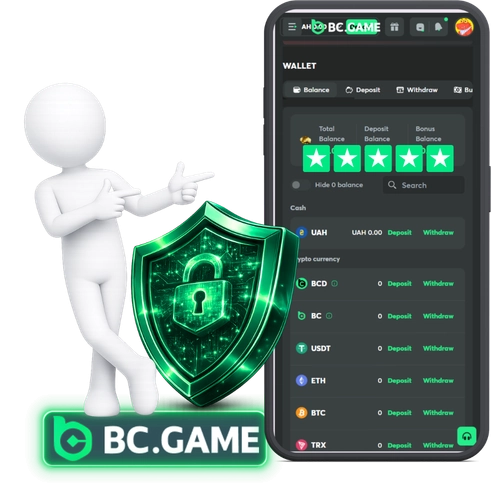
Safety: Fake Sites & Account Protection
Scammers are everywhere, man. They make fake sites that look exactly like the real thing. Our advice? Always check the domain and look for that https padlock. If you find a site you like, bookmark it! And for the love of all that is holy: never share your passwords, 2FA codes, or seed phrases with anyone. Not even if they say they work for “support.”
Monetization & Independence
Transparency is huge for us. We might have some affiliate links or ads around here to keep the lights on, but our editorial team stays independent. If something is sponsored, we’ll mark it. We aren’t going to lie about a feature just because of an ad.
Corrections & “Last updated”
Check the “Last updated” date at the top of our articles. We review our content whenever we spot a UI change. If we get something wrong (it happens!), we fix it as soon as we find out.
Feedback Channel
Spot a mistake? Let us know! Send us the URL and a quick note about what looks different on your screen. A screenshot is great, but please blur out your personal info first. We usually get back to folks within 48 hours on business days.